 Tariq
Tariq Nadia
Nadia Kiran
Kiran5 fixes before it ships: permissions use toggle switches instead of checkboxes, close button lacks accessible name and 3 more.
Function
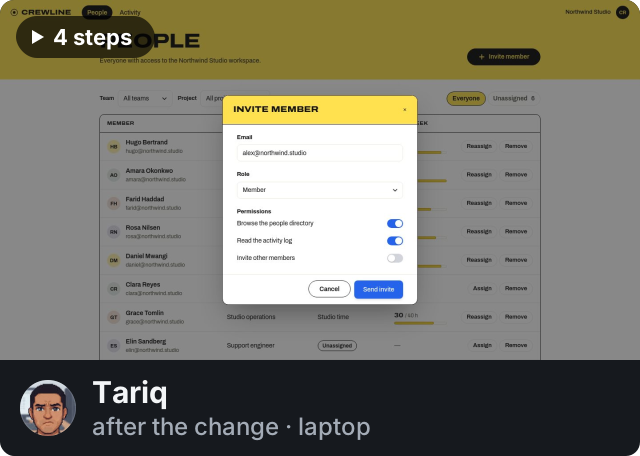 Got partway
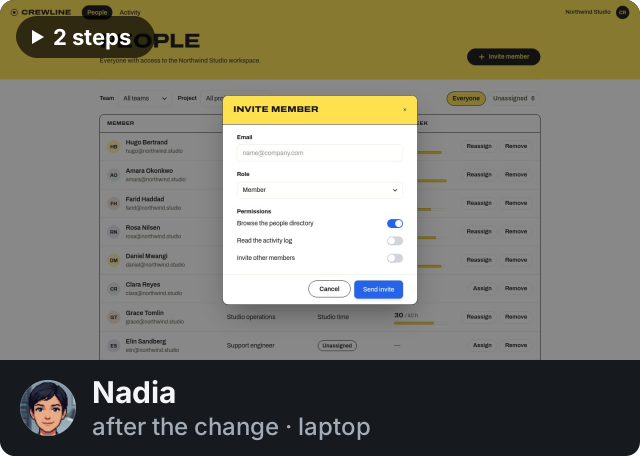 Got through
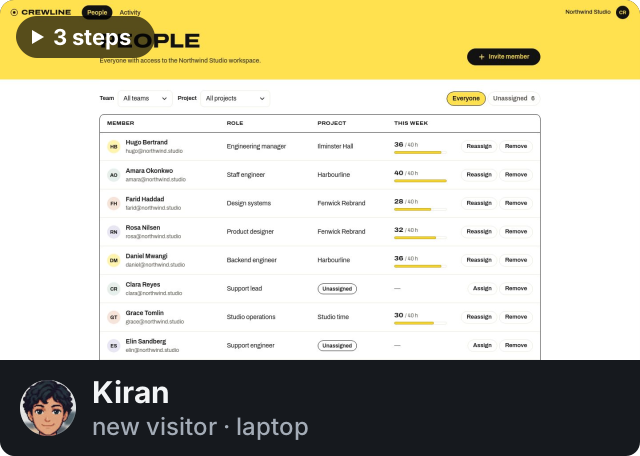 Got through
 Permissions use toggle switches instead of checkboxes
site/index.html
Close button lacks accessible namesite/index.html
 Modal body and foot spacing off the scale
site/styles.css
The invite modal lacked any seat count or plan limit indicator
/
Form
impeccable engine · reading your design system from the code
Send invite button is blue instead of inksite/styles.css
 5/5 · Ready: no major issues found
2 sessions
Nothing to fix.
Function
 Nora and Quinn got through, nothing in their way.

The report toolbar with the Export menu open beside Print: CSV, rows as filtered; PDF, formatted report.
Measured
| Measure | This change | Total | Where |
|---|---|---|---|
 Tells in the chrome Tells in the chrome | 0 | 0 | |
 Declarations off the tokens Declarations off the tokens | 0 | 0 | |
 Controls without a name Controls without a name | 0 | 0 | |
 Page weight Page weight | 0 KB | 31 KB | no images |
For agents
nothing to do
About this review
Reviewed 3 files at 2f0a9c1. 2 of 2 routes rendered at 1280 and 390 px; 2 sessions. The menu opens from its button, arrows move between the two items, Escape and Tab close it and hand focus back, a click outside closes it.
Ledgerline is a sample app we keep for this. The review is written by hand in the shape the product posts, from the findings the app’s reference review names; the captures are real renders, the visitors and the counts are an example.
 3/5 · Not yet
4 on function · 1 on form · 3 sessions
5 fixes before it ships: permissions use toggle switches instead of checkboxes, close button lacks accessible name and 3 more.
Function

The invite modal lacked any seat count or plan limit indicator
nothing to fix
nothing to fix
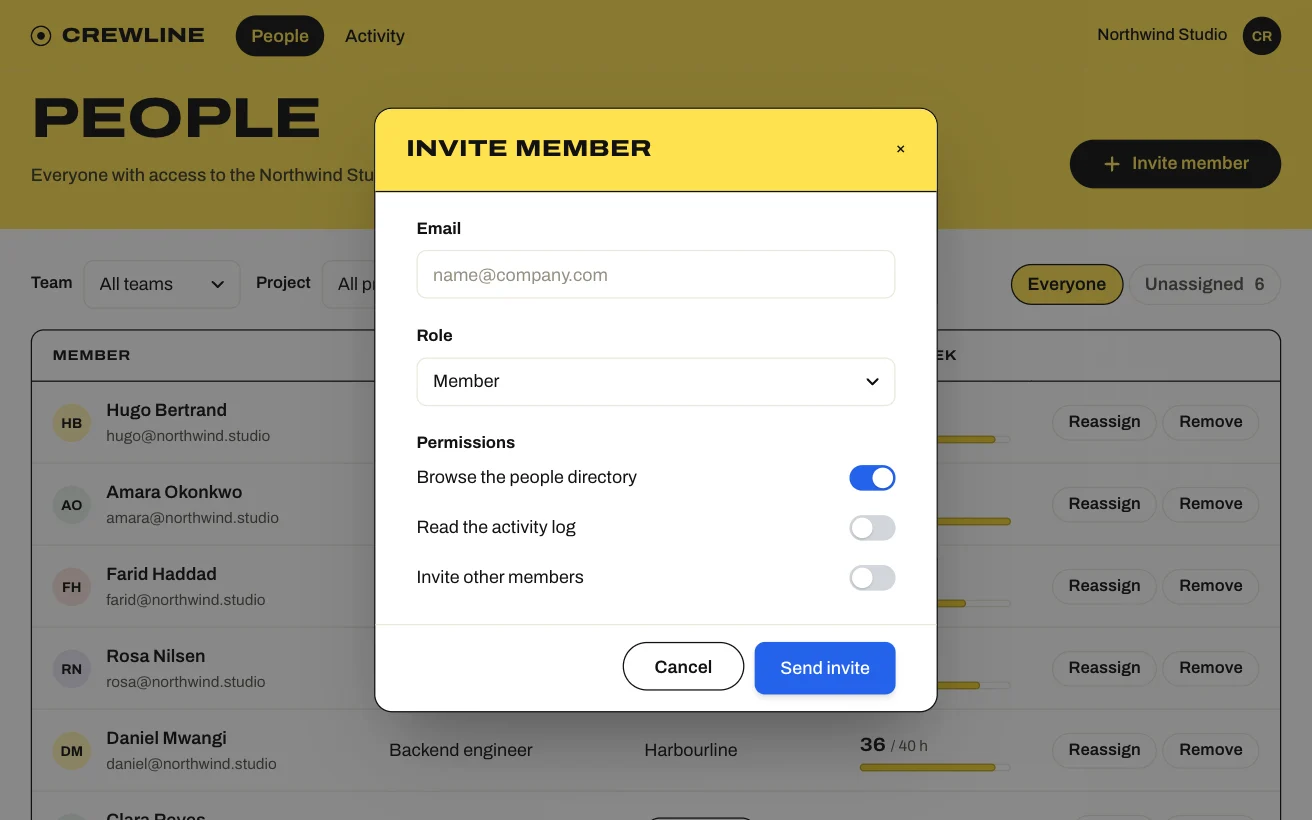
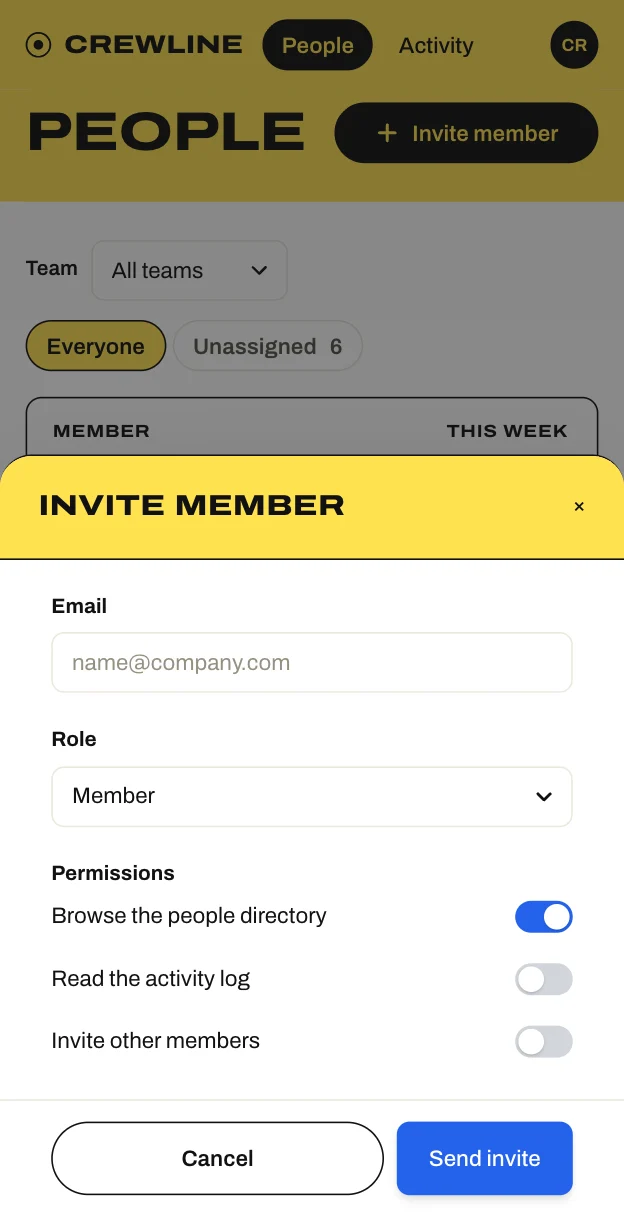
Permissions use toggle switches instead of checkboxessite/index.html
The permission fields render switch sliders instead of checkboxes, violating the design contract requirement: “Don't use switches; Crewline asks yes-or-no questions with checkboxes.”
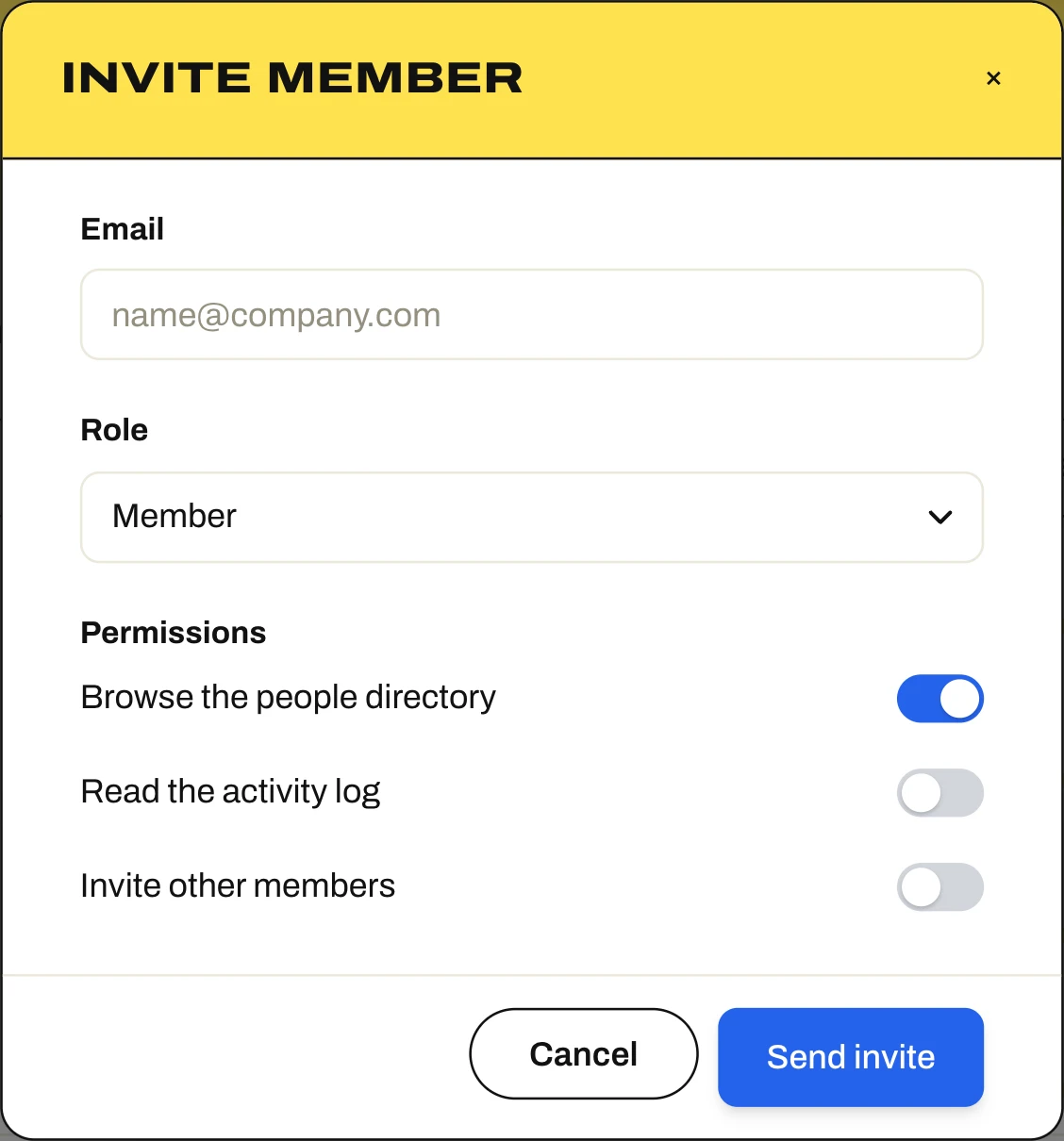
Close button lacks accessible namesite/index.html
The close button inside the modal header renders an icon glyph × with no text or aria-label, violating the rule: “Do give every icon-only control an accessible name.”
The invite modal lacked any seat count or plan limit indicator
/
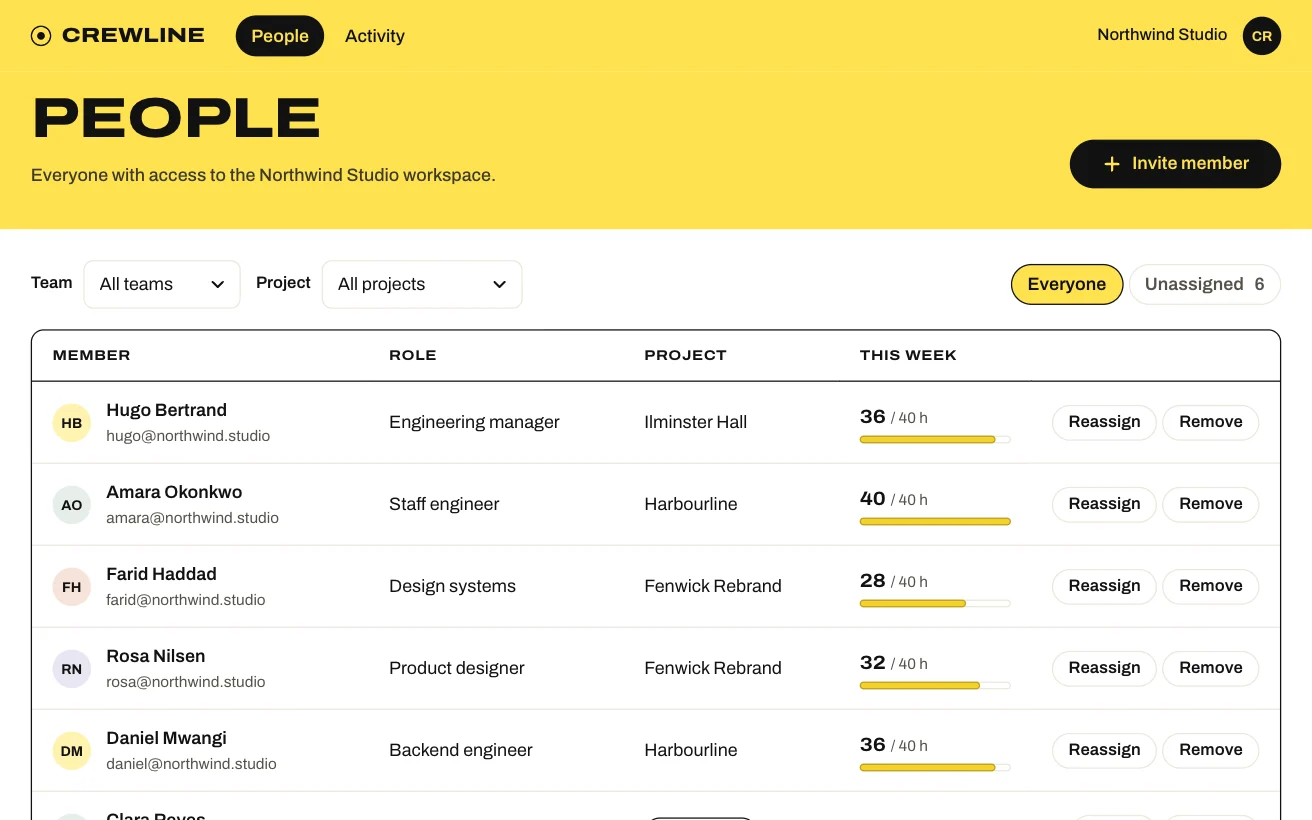
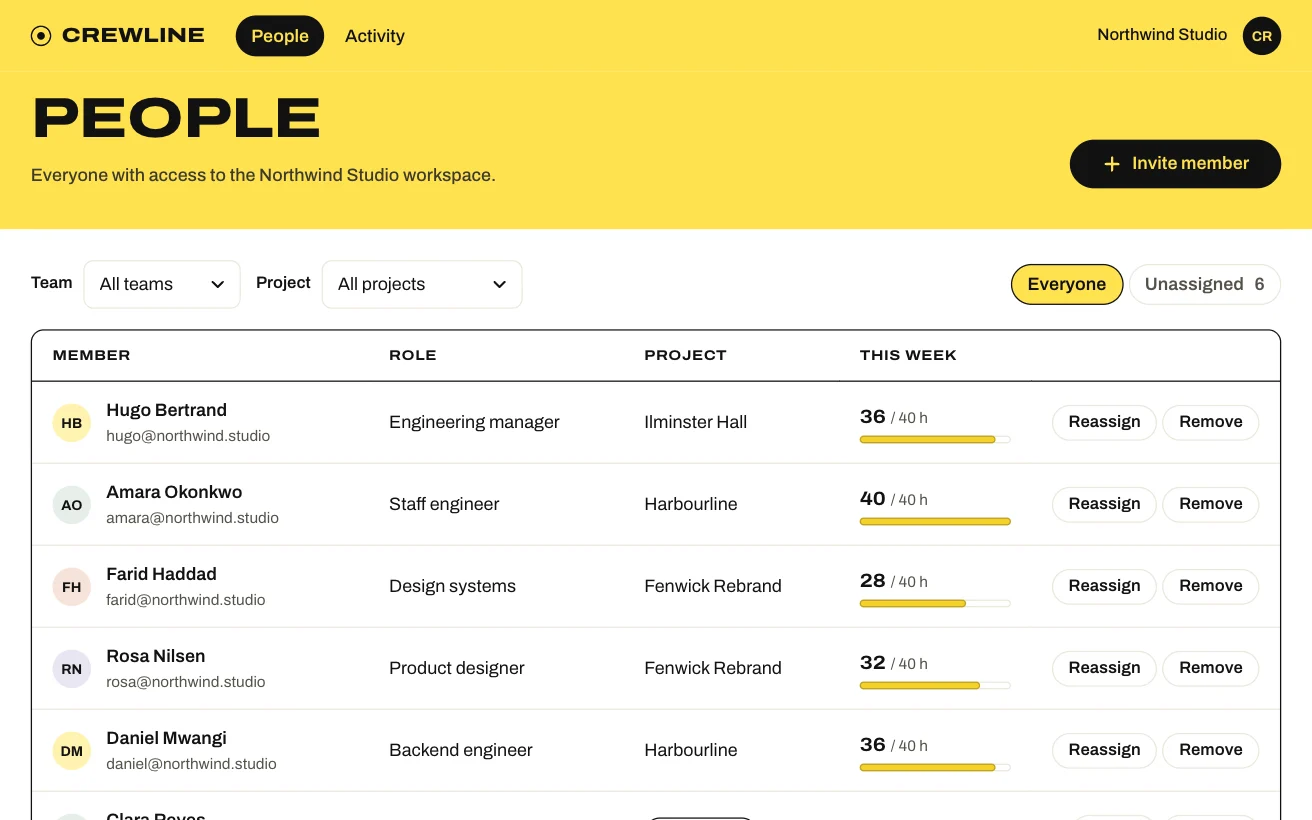
Tariq came to open the invite dialog from the People page and send an invitation by filling in a teammate's email, choosing a role, and adjusting the starting permissions on…
Modal body and foot spacing off the scalesite/styles.css
The invite modal overrides body and footer paddings using values like 20px and 13px, breaking the contract rule: “Don't space anything off the scale of fours.”
Measured
| Measure | This change | Total | Where |
|---|---|---|---|
| values off your design tokens | 6 | 28 | site/styles.css ×28 |
| the first viewport carries more elements than it can rank | 0 | 1 | / |
Form
Send invite button is blue instead of inksite/styles.css
The primary dialog submission action uses an un-tokenized blue background #2563eb with an 8px radius rather than an ink pill, breaking the rule that “Don't introduce a colour that is…”


For agents
P2 · Permissions use toggle switches instead of checkboxes · / · site/index.html · fix: Remove the `.toggle` switch styles and use standard `.check` checkbox components matching the rest of the application.
P2 · Send invite button is blue instead of ink · / · Invite member modal · site/styles.css · fix: Replace `.send-button` with the design system's `.btn.btn-primary` class so it renders as a black pill with yellow text.
P2 · Close button lacks accessible name · / · Invite member modal · site/index.html · fix: Add `aria-label="Close"` to the button element.
P3 · The invite modal lacked any seat count or plan limit indicator · / · where Tariq was at step 4
P3 · Modal body and foot spacing off the scale · / · Invite member modal · site/styles.css · fix: Remove the custom paddings and rely on tokenized modal scales (`var(--s-4)` and `var(--s-5)`).
Q · Is it so that keyboard navigation skips the “Invite member” button (on /)? The source suggests it; no frame shows it. (open: The check did not try it: nothing the question names was pressed)
About this review
Reviewed 3 files on 17 Oct 2026, 12:59 UTC · 3 sessions. Not seen. People page header trigger wasn’t seen: it isn’t on any page that was opened.
Crewline is a sample app we keep for this. This is the review Impeccable posted on that pull request, word for word, with the session cards it posted; the crops beside two findings are our renders of the same commit.
3/5 · Not yet
1 blocker · 5 on function · 1 on form · 3 sessions
1 blocker: delete show is one click from 48 episodes gone. Plus 5 smaller fixes.
Function
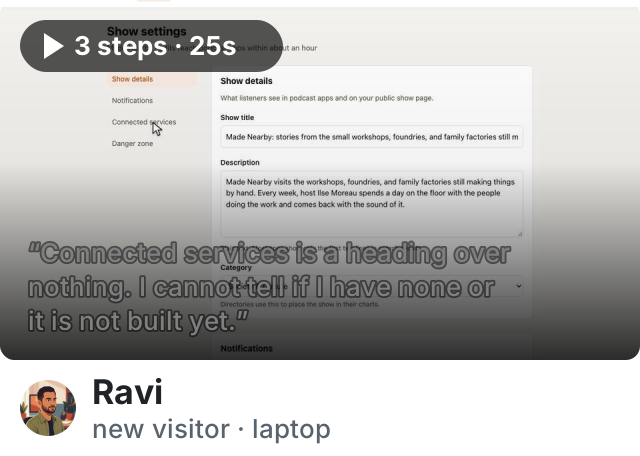

Stuck at Connected services: nothing to connect, nothing said.
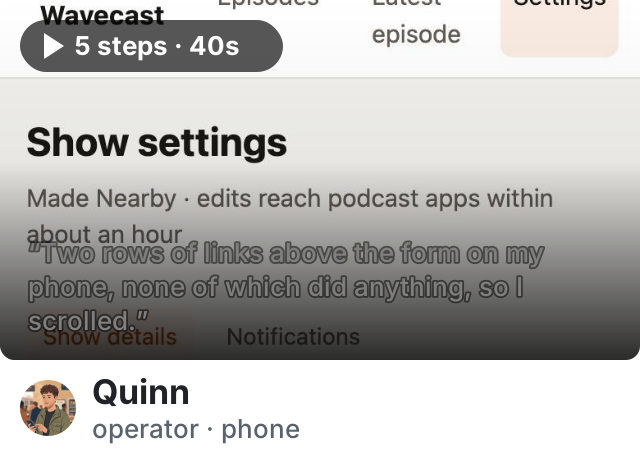

Found the setting past two rows of dead links.
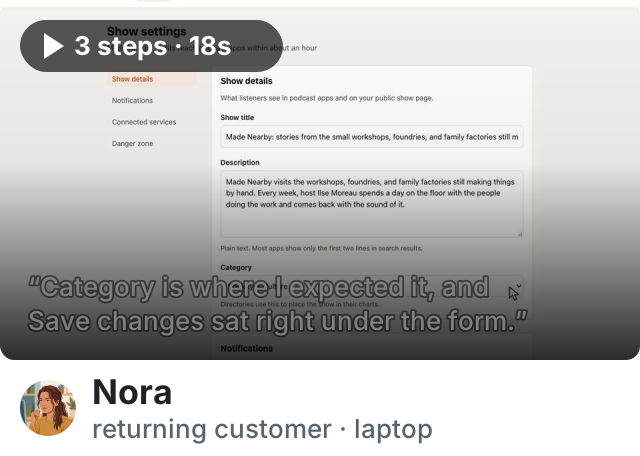
nothing to fix
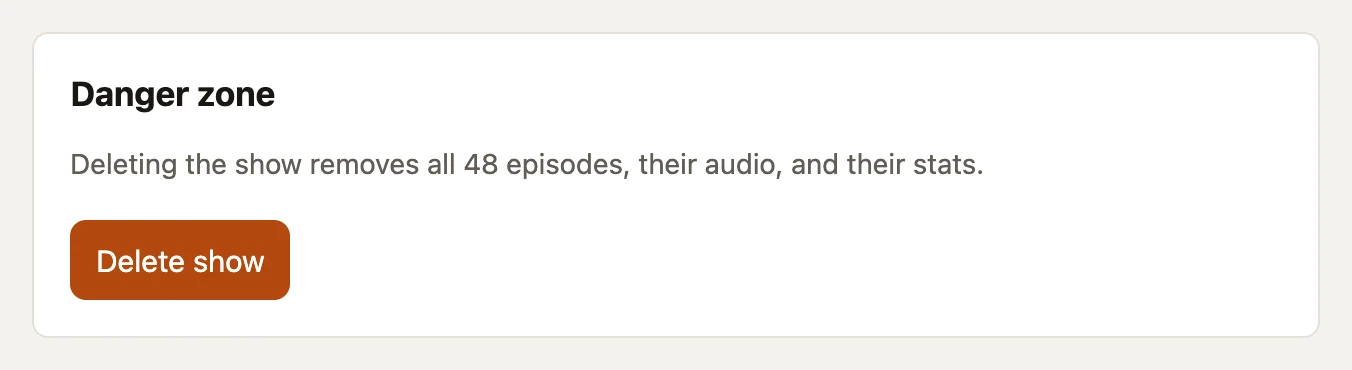
 Delete show is one click from 48 episodes gone
/settings.html · Danger zone
One click is the whole flow: nothing between it and the deletion, and the button sits a few lines under Save changes.
The page invents its own navigation
/settings.html · sidebar
A sidebar of four section links while every other page navigates from the masthead, and on a phone it wraps into two rows between the heading and the first field.

Connected services is a heading over nothing
/settings.html · Connected services
An empty list under a heading. A host cannot tell whether they have none or the feature is not built yet — and the pull request body knows the answer.

Two field names reach no control
settings.html:49
The Category label points at an id the select does not have, and Description is a heading above a textarea with no label. Both look labelled and neither is.

Spacing in the new sections is off the app’s scale
styles.css:194
28 px gaps, 18 px section padding and a 10 px rhythm where the rest of the app moves in 12, 16 and 24.
Measured
| Measure | This change | Total | Where |
|---|---|---|---|
| Tells in the chrome | 0 | 0 | |
| Declarations off the tokens | 9 | 9 | styles.css:194, :200, :226 … |
| Shipped values against your design tokens | 1 | 1 | --accent on the destructive action |
| Controls without a name | 2 | 2 | Category, Description |
| Low-contrast text | 0 | 0 | |
| Functional text under 11px | 0 | 0 | |
| Page weight | +11 KB | 58 KB | no images |
Form
Delete show wears the accent, not the danger colour
/settings.html · Danger zone · styles.css:226
The same filled --accent orange as Save changes. The app declares --danger and no screen uses it, so the one destructive button on the page reads as its primary action.
For agents
P2 · Delete show wears the accent, not the danger colour · /settings.html · styles.css:226 · fix: --danger, outlined.
P1 · Delete show is one click from 48 episodes gone · /settings.html · settings.html:91 · fix: a confirmation that names the show, Cancel as the default.
P2 · The page invents its own navigation · /settings.html · settings.html:23 · fix: cut the sidebar and its column.
P2 · Connected services is a heading over nothing · /settings.html · settings.html:77 · fix: write the empty state, or leave the section out.
P3 · Two field names reach no control · /settings.html · settings.html:49 · fix: label for="category"; label the description.
P3 · Spacing off the app’s scale · /settings.html · styles.css:194 · fix: the named steps.
About this review
Reviewed 4 files at 5b2d91e. 3 of 3 routes rendered at 1280 and 390 px; 3 sessions.
Wavecast is a sample app we keep for this. The review is written by hand in the shape the product posts, from the findings the app’s reference review names; the captures are real renders, the visitors and the counts are an example.